LinkedIn recruiting looks different in 2026 than it did even two years ago. Message volume is up, the talent pool skews more passive than active, and candidates are quicker to skip anything that reads like a form letter.
Getting results now means building a repeatable system, and how to recruit on LinkedIn comes down to running a clear process from search to follow-up, not scattered outreach. These 10 tips walk through that process, built for faster shortlists and better replies.
Tip 1: Start with a clear success profile for the role
Wasted sourcing time almost always traces back to a fuzzy target. Before opening a search, define a success profile in plain terms: must-have skills, target titles, adjacent titles, location constraints, and the dealbreakers that rule someone out. That’s the real starting point for how to use LinkedIn for recruiting effectively, well before you ever type a query.
Run through this checklist first:
| Decide before you search | Why it matters |
|---|---|
| 3 to 5 non-negotiable skills | Keeps the search from surfacing unqualified matches |
| Adjacent titles for the same experience | Widens the pool without lowering the bar |
| Workable locations or remote arrangements | Avoids outreach to candidates who can’t take the role |
| What immediately disqualifies a candidate | Speeds up screening once replies come in |
| Who has filled this role well before | Gives you a real benchmark to search against |
Skipping this step is the fastest way to end up buried in profiles that look right on paper but aren’t.
Tip 2: Make your recruiter profile a credibility asset
Candidates decide whether to trust a message within seconds of clicking a profile. What they check: a clear headline, a current role, recent activity, and language that makes obvious what roles you hire for.
Before messaging anyone, confirm:
- Your headline states what you recruit for, not just your job title
- Your recent activity shows an active account, not a dormant one
- Your photo and banner look current and professional
- Your “About” section explains who you help and how
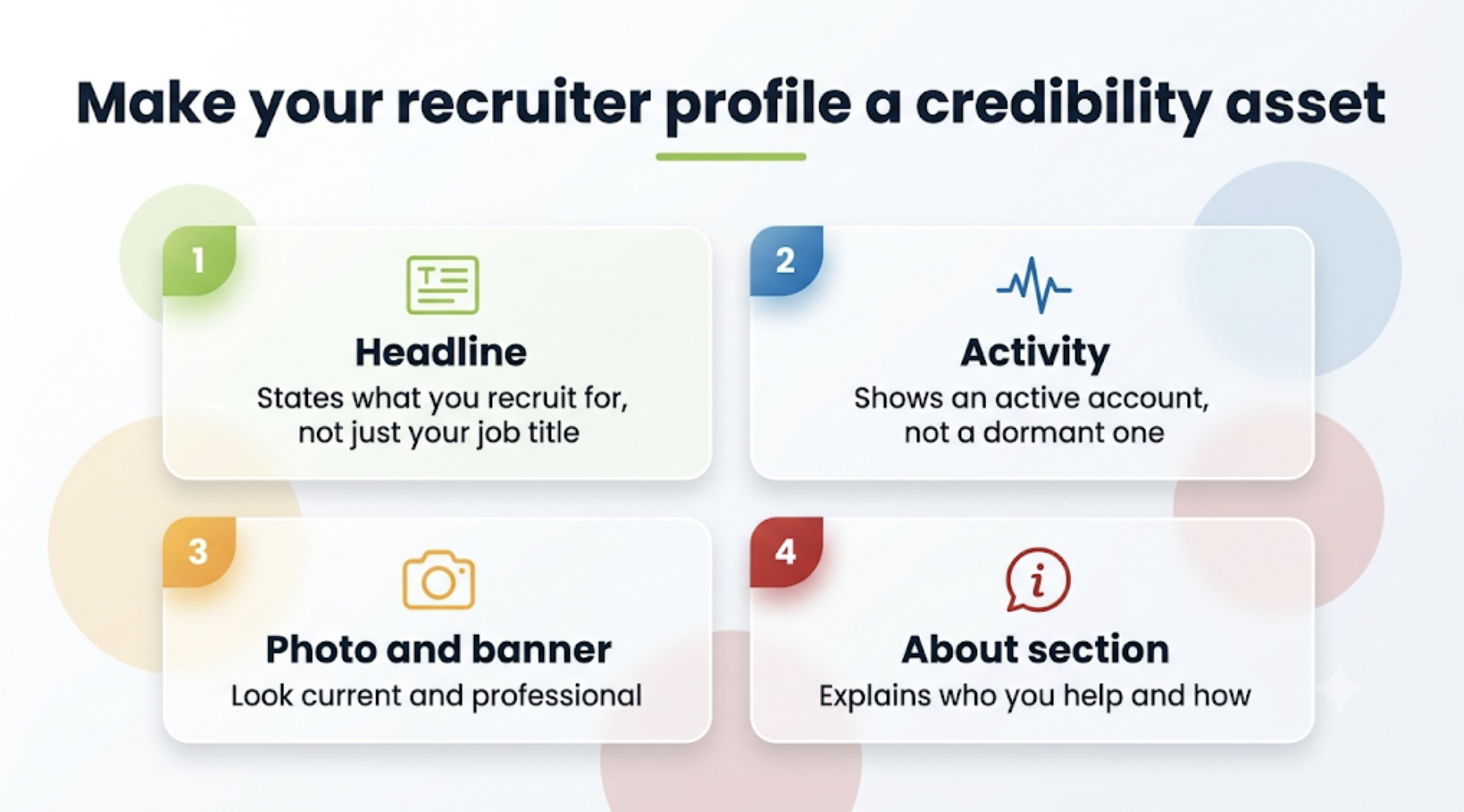
This isn’t personal branding for its own sake. It’s removing friction that stops a busy candidate from replying.
“Your profile starts the conversation before your message ever does. Make sure it’s telling the story you want candidates to believe. People respond to people they trust. Your profile is often the first opportunity to earn that trust,” stated Cordelia Calderon, Senior Account Executive at Tracker.
Tip 3: Use your company presence to attract the right candidates
A company page that shows real work, real people, and consistent hiring activity does more heavy lifting than most recruiters credit it for. Passive candidates checking a company out before responding notice specifics like recent hires and team posts, not vague culture statements.
This is how to attract candidates on LinkedIn without paid tools: share what your team is working on, spotlight real employees, and post roles with enough context that a passive scroller understands the opportunity at a glance. Specificity, not culture cliches, is what reduces back-and-forth once outreach starts.
Tip 4: Decide when to post a job vs. source proactively
Posting and proactive sourcing solve different problems. A job post reaches whoever is looking, at algorithm speed. Direct sourcing reaches exactly who you want, on your timeline, but takes more effort.
A simple way to decide:
- Wide, active candidate pool: post it, supplement with light sourcing.
- Niche, senior, or passive-heavy role: source proactively from day one.
LinkedIn also has posting limits and paid promotion worth knowing. Promoted job posts reach, on average, 3 times more qualified applicants than free posts, useful when a role needs volume fast. Where fit matters more than speed, proactive sourcing is still the better first move.
Tip 5: Build searches you can reuse (filters + Boolean)
A search you run once and throw away is a wasted search. Start broad, then narrow with filters: location, current and past titles, skills, industry, and company. Save the combination that works, and reuse it as new roles open up.
| Boolean search still holds up for narrowing results beyond what filters alone can do |
|---|
| “[title]” AND (“[skill1]” OR “[skill2]”) AND “[location]” “[title]” AND “[skill]” NOT “[unwanted keyword]” |
Stick to reliable operators: AND, OR, NOT, quotation marks for exact phrases, parentheses for grouping. Building searches this way turns recruiting on LinkedIn into a repeatable engine, not a scramble every time a requisition opens.
Tip 6: Use LinkedIn Recruiter the right way (and know when free search is enough)
Free search covers a lot of ground for occasional hiring. Recruiter Lite adds deeper filters, InMail credits, and a lightweight pipeline for steady, moderate volume. Full LinkedIn Recruiter goes further, with broader network access and features built for teams sharing searches and candidates.
A linked recruiter account earns its cost when a team sources consistently. Filling one or two roles a quarter, free search paired with good habits might be enough. Running multiple active searches at once, the upgrade usually pays for itself. Whichever tool you land on, weighing it against your broader recruiting tech stack helps confirm LinkedIn fits into, rather than duplicates, the rest of your recruiting software.
Tip 7: Warm up passive candidates before you message them
A cold InMail to a total stranger starts at a disadvantage. A few minutes of warm-up first changes the odds: follow the person, react to something they posted recently, and check for mutual connections worth mentioning.
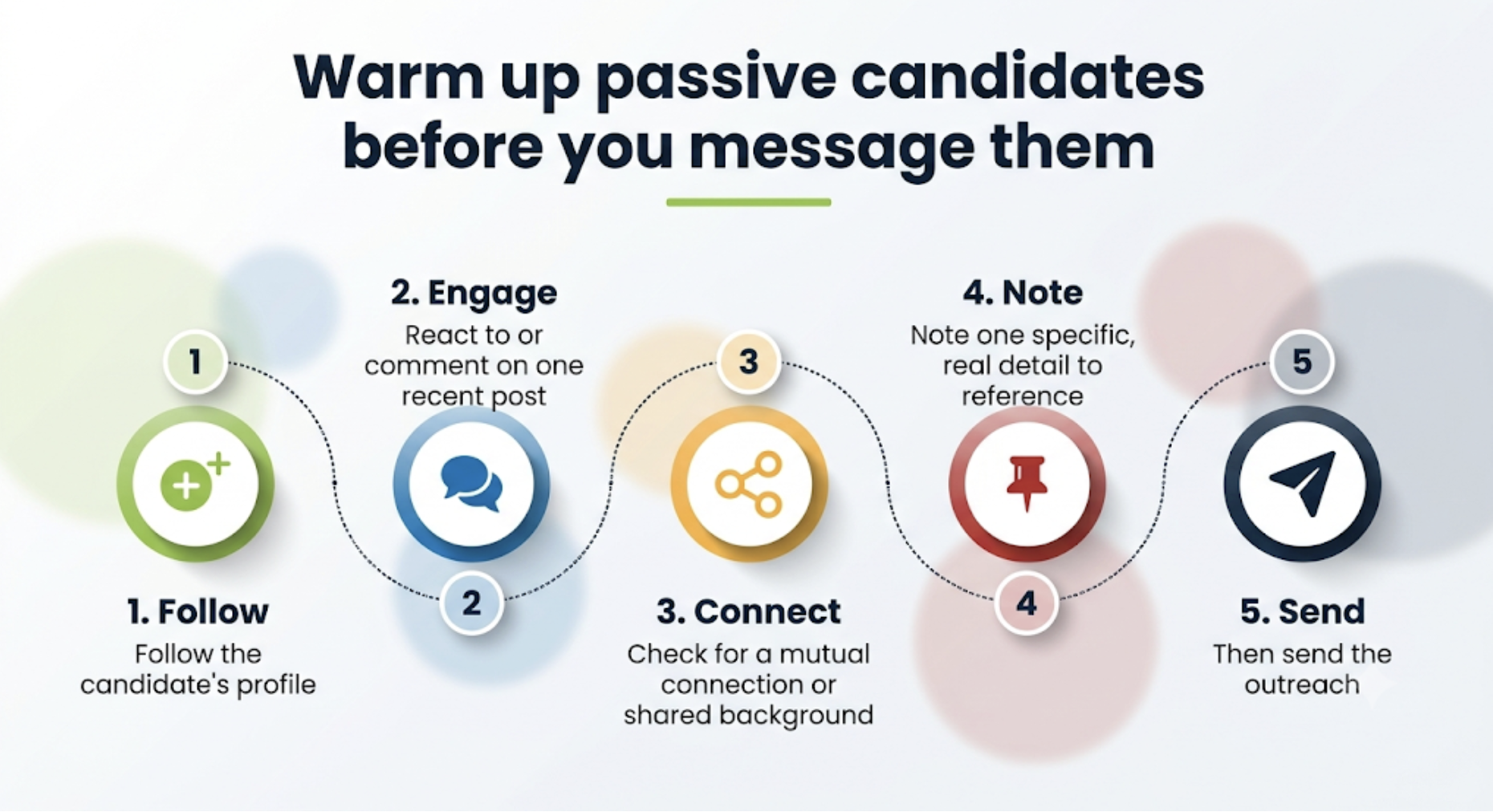
Try this 5-minute warm-up before you send anything:
- Follow the candidate’s profile
- React to or comment on one recent post, genuinely
- Check for a mutual connection or shared background
- Note one specific, real detail to reference
- Then send the outreach
Candidates who already show interest signals, like following a company or engaging with its content, are measurably more likely to respond when outreach follows than when it arrives cold.
Tip 8: Write outreach that is personal, short, and compliant
Generic InMails get ignored. A message built around four elements holds up better: why you’re reaching out to this specific person, the role in plain language, one real reason it might be worth their time, and a clear next step.
| Do | Don’t |
|---|---|
| Reference something specific from their background | Open with a copy-pasted job description |
| Keep it short enough to read in 10 seconds | Send the same message to dozens of people at once |
| End with one clear, low-effort next step | Bury the ask in paragraph three |
| Lead with why you reached out to them specifically | Lean on generic flattery like “impressive profile” |
Treat InMail as targeted recruiting communication, not a numbers game. Bulk, untargeted messaging burns trust fast. The data backs the shorter, more personal approach: messages under 400 characters and personalized subject lines consistently see meaningfully better response rates than longer, generic ones.
“Authenticity draws more attention than buzz words and trends,” reminds Harrison Aquilla, Head of UK Client Success at Tracker.
Tip 9: Follow up like a professional, not a spammer
Silence after a first message doesn’t always mean no. It often means the timing was off. A simple three-step cadence beats giving up immediately or messaging every few days:
- First follow-up (3 to 5 days later): add one new detail about the role
- Second follow-up (5 to 7 days after): confirm interest with a low-pressure question
- Close the loop (a week or two later): offer an easy, guilt-free out
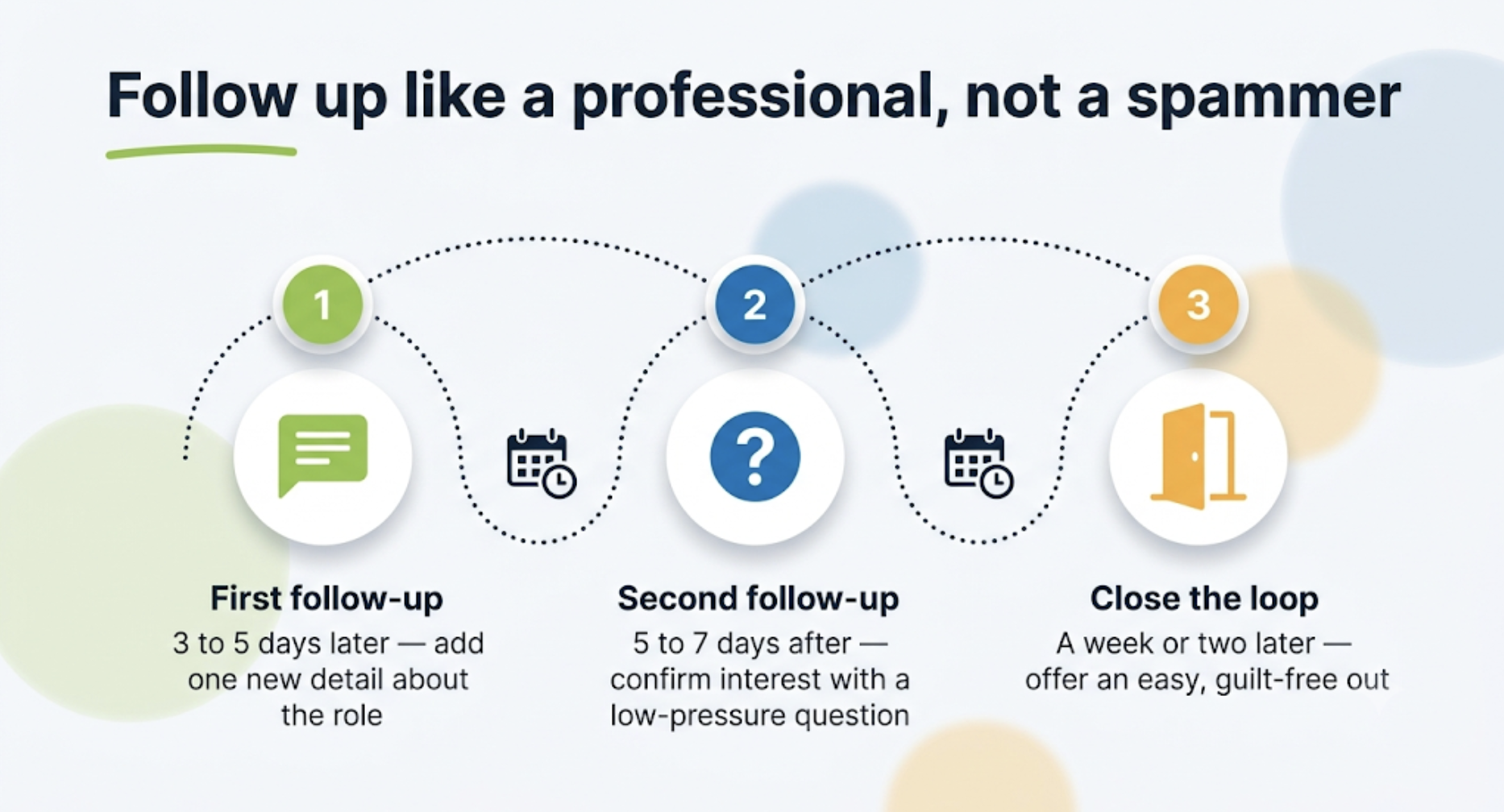
Each message should add something new, not repeat the ask. Guilt language does more harm than a candidate simply going quiet.
Tip 10: Track outcomes so LinkedIn becomes a repeatable channel
Activity without measurement is just noise. Track reply rates, the ratio of positive to negative responses, how many conversations turn into qualified screens, time to shortlist, and where candidates drop off.
Tie that tracking to basic workflow hygiene: consistent notes, accurate pipeline stages, clear next steps, and tagging that makes candidates searchable later. It doesn’t require complicated dashboards, just consistency applied the same way every time a search runs.
Cam Brady, Head of UK Sales added, “Being a consultant, not just a messenger, is what separates recruiters who last from recruiters who don’t. That means relating to candidates, bringing real insight to clients, and staying hands-on through the whole process, which is hard to do without a system that keeps up.”
Tracker’s ATS + CRM: Keep LinkedIn recruiting organized from first touch to placement
Repeatable searches, clean outreach, and consistent follow-ups are hard to sustain with LinkedIn alone. An integrated ATS and CRM gives that process somewhere to live once a candidate enters your pipeline, which matters more as your recruiting tech stack grows.
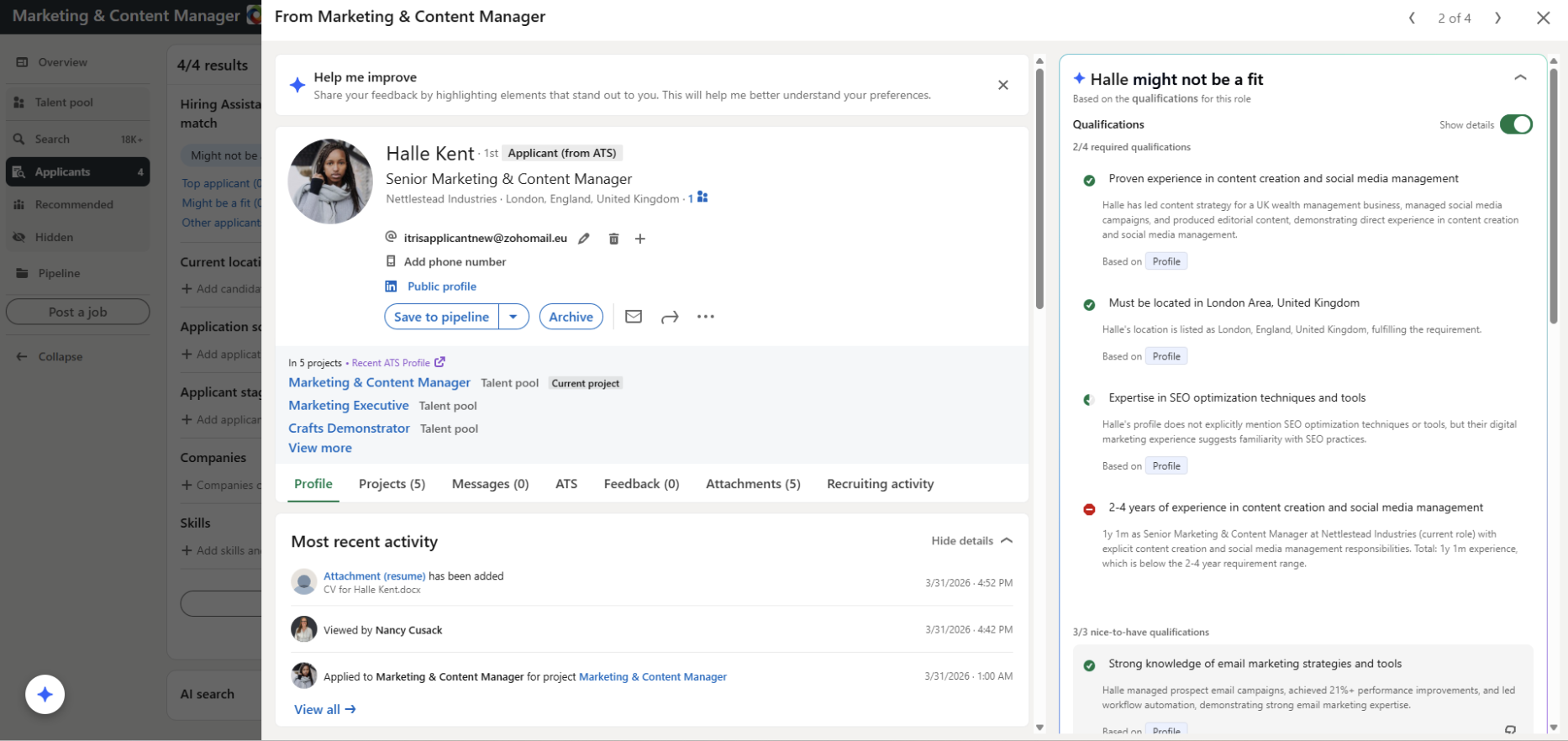
In a staffing context, that looks like:
- Source tracking that shows which LinkedIn searches produce placements
- Pipeline stages and notes that keep follow-ups consistent across a team
- Fast search that resurfaces past silver medalists instead of starting from zero
- Workflow automation that standardizes outreach and reminders
- Reporting that shows what’s working by role, recruiter, and client
For agencies running high LinkedIn volume, this is exactly where the gap has usually shown up. Tracker’s LinkedIn RSC+ integration closes it directly: it links Tracker requisitions to LinkedIn projects so LinkedIn Hiring Assistant can evaluate an agency’s entire applicant pipeline, not just LinkedIn applicants. Evaluation insights sync back into Tracker in real time, replacing the manual cross-referencing that eats into a recruiter’s day.